
Available now
Business Coat
Request a WMCAA business coat or suit. Prepare your size, quantity, and contact details before opening the form.
Wealth Management Center Alumni Association
Start with the item you need. The button will open the right Google Form, so you can submit your request without searching through messages.
Merchandise
Available now
Request a WMCAA business coat or suit. Prepare your size, quantity, and contact details before opening the form.
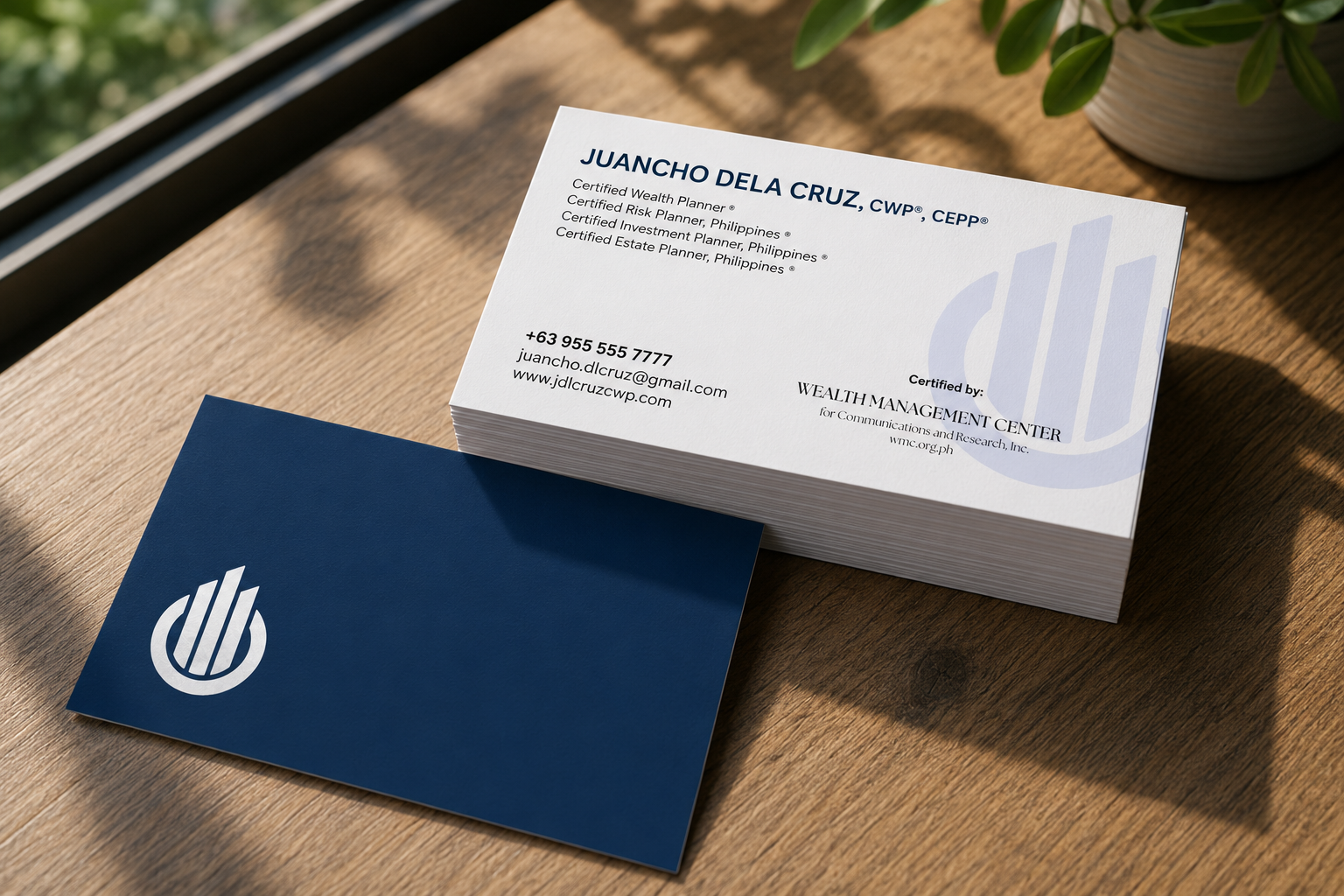
Available now
Request WMCAA business cards using the official design. Prepare your name, credentials, contact details, and quantity.
Planned item
Stickers are being prepared for a future WMCAA merchandise batch.
Planned item
Mugs are planned for future alumni merchandise releases.
How it works
Choose the merchandise you want to request.
Enter your contact details and order information carefully.
A WMCAA representative will contact you about the next step.
Need help?
If a form does not open, inform the WMCAA representatives through the WMC Alumni Association Telegram Group Chat and mention the item you want to request.